These are the current notes. The copy the lessons used is kept at /lotssocial-sep. Work done against that copy still stands. Anything new uses this page, then the live site.
1. Note 8 first. It is internal steering. Customer-facing work describes the present product. It does not claim customers, testimonials, or validation we do not have.
2. Never quote a price from memory. Note 6 is the model. The live figures are at lots.social/pricing and lots.social/pricing.md. Check them before you publish an offer.
3. If this page and the live site disagree, the live site wins. Tell me. That is more useful than repeating the note.
1. Product Overview & Capabilities
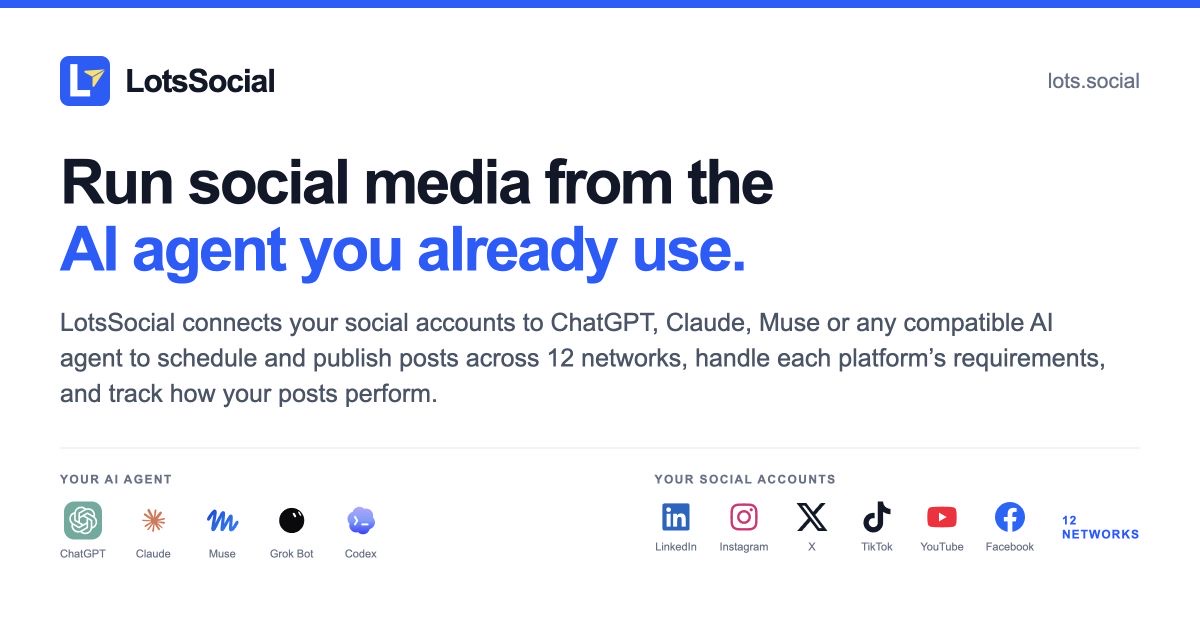
LotsSocial connects your social accounts to ChatGPT, Claude, Muse or any compatible AI agent to schedule and publish posts across 12 networks, handle each platform’s requirements, and track how your posts perform.
Product roles
The user’s existing agent writes, researches and plans. LotsSocial supplies account connections, media, validation, scheduling, publishing and results. The full dashboard does the same job hands-on: composer, calendar, bulk scheduling, media library, analytics, brands, teams and billing. The agent for speed, the dashboard for control. LotsSocial is a complete scheduler, not only an MCP server.
Connect
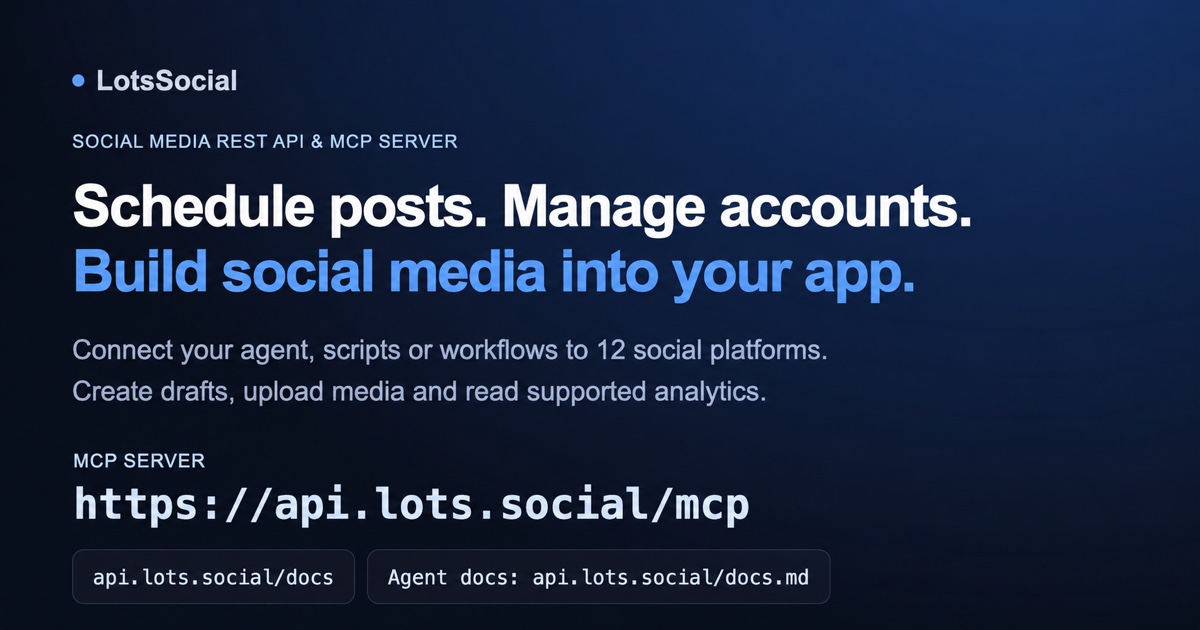
Give the agent https://lots.social/skill.md and ask it to help connect LotsSocial for itself. Compatible remote MCP clients use https://api.lots.social/mcp. Agents that can make authenticated HTTP requests can use REST.
OAuth-capable clients guide sign-in. Clients requiring bearer credentials use an API key from https://api.lots.social/dashboard, stored securely rather than pasted into chat. Client requirements vary. Use https://lots.social/agents for individual guides and https://api.lots.social/docs.md for integrations.
After connecting, the agent supplies a browser connection link for the user to authorize a social account on the platform’s own page.
What agents can do
- Create drafts and scheduled posts, individually or in batches, with destination-specific captions and required media.
- Edit, reschedule, cancel or delete eligible drafts and scheduled posts before publishing begins. Deleting a LotsSocial draft is not deleting a live network post.
- Connect accounts through hosted authorization links, inspect account status and disconnect accounts when requested.
- Create and rename brands; move connected accounts between brands in the same workspace.
- Create and rename workspaces to keep businesses, accounts, posts, media and results separate.
- Upload and find images and videos; reuse stored media and check each destination’s requirements.
- Read platform playbooks, distinguishing official rules from observed practices and experiments.
- Read publishing results, available post and account analytics, and a brand’s best-performing published posts.
- Check account funding, plan coverage and credit balances; supply credit top-up links.
Web app
Use the calendar and post views to inspect drafts, schedules, publishing results and available analytics. Manage accounts, brands, media, workspaces, team access and billing. AI captions are available in the app. The external agent remains the primary writing workflow.
Posts, media storage, brands, workspaces and team members are unlimited.
Networks and publishing
12 networks: Facebook, Instagram, X, LinkedIn, YouTube, TikTok, Pinterest, Threads, Bluesky, Mastodon, Reddit and Google Business. LinkedIn Pages, Instagram Direct and YouTube Shorts are variants within their networks.
Formats and analytics depend on platform, account type, permissions and connection provider. Reddit posts must follow community rules.
Drafts never publish. Scheduled posts enter the queue and continue without keeping the agent conversation open. Check final results rather than treating queue acceptance as proof of publication. Accounts must remain authorized and funded. Do not promise minute-exact delivery or every metric on every network.
For review first, instruct the agent to save drafts, then explicitly schedule after review. Do not market an automatic approval gate, a social-comment inbox, an autonomous background agent, or a campaign prerequisite.
Commercial model
Choose an account plan or pay per connected account through credits. Media storage is free, and posts, brands, workspaces and team members are unlimited. See note 6 and https://lots.social/pricing.
2. Target Customer & ICP
Primary buyer
Someone who already uses an AI agent for work and wants to run their social accounts from that same workflow.
Founders, marketers and developers are examples of this buyer. Their shared job is to turn content and instructions into published posts without repeatedly transferring work between tools.
Qualifying signals
- Regularly works in ChatGPT, Claude, Codex, Cursor, OpenClaw, Muse or another compatible agent.
- Has at least one social account to maintain.
- Wants the agent to connect accounts, prepare drafts, schedule posts and check results.
- Can authorize the accounts and choose account-plan pricing or pay as you go.
- Values supported network formats and analytics rather than expecting every platform feature.
Account volume
Account count helps choose a payment option. It does not define a different product or ICP. One person can run several brands or client workspaces. Media storage is free, and posts, brands, workspaces and team members are unlimited.
Acquisition
Lead with a concrete publishing workflow and the agent the person already uses. Offer the MCP URL or the setup message linking skill.md. Use individual agent guides and focused network tutorials to match search intent.
Demonstrate setup, scheduling and a confirmed publishing result. Show the full dashboard too: the agent for speed, the dashboard for control.
Buying reasons to test
Convenient connection from the existing agent, fewer manual transfers, platform-aware validation, publishing results, useful analytics and understandable account pricing.
Research status
The founder is the only current user, dogfooding the product. External customers have not validated the segment or buying reasons. Treat these as hypotheses. Record actual onboarding, repeat use and payment evidence.
This is internal marketing guidance, not customer proof.
3. Problems, Use Cases & Objections
Buyer problem
A person drafts and plans in an AI agent but still manually moves the output into social platforms or a separate scheduler. LotsSocial supplies the account and publishing tools so that agent can carry out the requested workflow.
Example workflows
- Prepare a week of drafts, review them and ask the agent to schedule the chosen posts.
- Turn a product update into captions adapted to the connected brand’s accounts.
- Attach provided images or video and validate each destination’s requirements.
- Check whether a scheduled post published and open its live link.
- Compare available analytics and a brand’s best-performing posts to inform the next content.
Setup
How do I start? Give the agent https://lots.social/skill.md and ask it to help connect LotsSocial for itself. Known remote MCP users can add https://api.lots.social/mcp directly.
Will my agent work? It needs compatible remote MCP support or authenticated HTTP access. Client version, plan and administrator requirements differ. Use https://lots.social/agents.
Do I share passwords? Authorize platform access in the browser. Store integration credentials securely. Do not paste passwords or API keys into chat.
Can I change agents? Connect another compatible agent to the same LotsSocial account and workspace. Existing social connections and posts belong to the workspace, not a particular agent.
Publishing and review
Can I review first? Ask for drafts. Drafts never publish. Scheduling after review is a separate instruction. Do not assume an approval label blocks publishing.
Will it publish after I close the agent? LotsSocial handles accepted scheduled posts without keeping the conversation open. Accounts must remain authorized and funded.
Can I change a scheduled post? Edit, reschedule or cancel before publishing begins. Published posts cannot be removed from the network through LotsSocial’s draft-delete tool.
What if publishing fails? Check the destination-specific result and reason. Temporary failures can retry automatically. Revoked authorization needs reconnection. Do not resubmit destinations already published.
Are all analytics available? Metrics vary by platform, account type, permissions and provider. Report available results without promising universal views, reach or engagement.
Can it reply to social comments? A social-comment inbox or automated replies is not part of the offer.
Pricing
Plan or credits? Plans cover a block of connected accounts for a fixed monthly or yearly price. Pay as you go is optional at $2 per account per month, charged daily.
What if I go over my plan? Each extra account costs that plan’s per-account rate, shown on each plan at https://lots.social/pricing, paid from credits and charged daily. You can keep adding accounts while your credits cover them, and bigger plans get cheaper extras.
What else costs? Media storage, posts, brands, workspaces and team members are unlimited. External agent AI costs are separate. Requested paid app AI actions may consume credits.
Can I try without a card? Eligible users receive 5,000 starter credits valid for 90 days. This is a credit grant, not a subscription trial. Purchased credits never expire.
How are accounts counted? Each connected account counts separately, including several accounts on the same network. Brands and workspaces organize accounts without a separate charge.
What if credits run out? Uncovered credit-funded account capacity pauses. Data is retained. Top up to resume. Plan-covered accounts continue according to their plan and authorization.
How do I stop charges? Disconnect credit-funded accounts no longer needed. Storage is free. Subscription cancellation is separate from disconnecting accounts.
Is unlimited really unlimited? Yes, for normal use. Only automated abuse is limited, and each network’s own posting limits still apply.
Current offers: https://lots.social/pricing
4. Positioning, Messaging & Voice
Main headline
Run social media from the AI agent you already use.
Product description
LotsSocial connects your social accounts to ChatGPT, Claude, Muse or any compatible AI agent to schedule and publish posts across 12 networks, handle each platform’s requirements, and track how your posts perform.
Use this third-person description for directories, product introductions and consistent answers about what LotsSocial does.
Main promise
Turn the user’s existing agent workflow into connected accounts, scheduled posts and measurable publishing results. Their agent writes and plans. LotsSocial supplies the tools. The full dashboard does the whole job too: your agent for speed, the dashboard for control.
Offer wording
Present account plans first and pay as you go second. Storage is free. Say posts, storage, brands, workspaces and team members are unlimited, plainly. Fair use is small print, once, on the pricing cards only.
Use “Start with 5,000 free credits. No card required. Valid for 90 days.” Do not describe this credit grant as a free subscription month.
Describe credits as usable across Lots products in the user’s own wallet. Keep the external agent’s AI charges separate from account pricing.
Setup and CTAs
Give known MCP users https://api.lots.social/mcp directly.
For guided setup: “Read https://lots.social/skill.md and help me connect LotsSocial so you can manage my social media.”
Use https://lots.social/agents or an individual guide when naming an agent. For coding integrations, offer https://api.lots.social/docs.md.
Reading instructions does not install or authorize a connector. Explain the user’s next action clearly.
Voice and search intent
Use concrete language: schedule posts, connect accounts, publish, check results and track performance.
Agent-specific content should match intent such as “Schedule LinkedIn posts with ChatGPT” or “Post to social media from Claude,” then explain that client’s actual connection method.
Founders, marketers and developers are examples of one buyer, not separate competing positions.
Claims
Agent logos do not imply endorsement, partnership or compatibility with every client version and plan. Avoid invented testimonials, customer counts, revenue, exclusive capabilities, guaranteed reach, fixed setup times or exact delivery promises.
Describe the current offer and demonstrated workflows. Use real published-post evidence. A queued post is not proof it went live.
5. Competitive Landscape
Alternatives
Agent-connected publishing tools such as Postiz, traditional social schedulers, custom API integrations and manual posting are buying alternatives.
LotsSocial’s offer
Run social media from an existing AI agent through MCP or REST API. Connect accounts across 12 networks, prepare drafts, schedule posts, manage media and read available publishing results and analytics.
Choose an account plan or pay as you go. Media storage, posts, brands, workspaces and team members are unlimited. Compare current prices at https://lots.social/pricing.
Comparison questions
- Can the buyer use the agent they already work in?
- What setup, authentication, client plan or administrator permission is required?
- Can they connect accounts, schedule posts and check results from that workflow?
- Which network formats and analytics are actually supported?
- What happens when publishing fails or authorization expires?
- What is the total cost for the buyer’s connected-account count, including overflow, team use and storage?
- Are annual commitments, minimum top-ups or fair-use conditions clear?
Evidence
Check current official competitor pages and documentation before publishing a comparison. Record the source, date, exact offer and account allowance. Separate observed workflows from advertised claims. Do not infer a competitor feature is absent because one page does not mention it.
Agent capabilities depend on current client versions and plans. Confirm through official sources or documented tests.
Marketing use
Show a useful completed workflow. Do not claim “only,” “best,” “cheapest,” guaranteed reach, exclusive moat or competitor revenue without current attributable evidence.
No customer proof exists yet. Founder demonstrations establish product behavior, not market validation.
This note guides internal comparison research. Public comparisons must have their own verified sources.
Against traditional schedulers
Dashboard-first schedulers such as Post Bridge and PostPlanify are direct alternatives, and LotsSocial is no less a scheduler. The dashboard has a composer with per-network captions, a calendar, bulk scheduling, a searchable media library, analytics, brands and a team. On top of that, the whole job runs from the agent the buyer already uses. Lead with the agent, then make clear nothing is missing in the dashboard: “your agent for speed, the dashboard for control.” Verify their current features and prices on their own sites, with a checked-on date, before naming them in public copy.
6. Pricing & Commercial Model
Verify current prices, account allowances and grant eligibility at https://lots.social/pricing and https://lots.social/pricing.md before publishing an offer.
Two ways to pay
Present plans first, then pay as you go. Every option includes MCP and REST API access to all 12 networks.
| Option | What it covers |
|---|---|
| Starter | 12 connected social accounts, $20/month or $200/year |
| Pro | 40 connected social accounts, $59/month or $590/year |
| Business | 150 connected social accounts, $149/month or $1,490/year |
| Accounts beyond a plan | That plan’s own per-account rate, paid from credits and charged daily: $1.67/month on Starter, $1.48 on Pro, $0.99 on Business. Bigger plans get cheaper extras. |
| Pay as you go, no plan | 2,000 credits ($2) per connected account per month, charged daily |
- Annual plans cost ten monthly payments: two months free, billed yearly.
- Plans include account capacity and grant no credits.
- $1 buys 1,000 LotsTech Credits. Minimum credit purchase: $10.
- Media storage, posts, brands, workspaces and team members are unlimited. No per-post or per-seat charge.
- The user’s external agent does the writing on their own AI plan. Requested paid AI actions in LotsSocial can consume credits.
- Lifetime plans are offered only during explicitly announced limited drops. Do not advertise an always-available lifetime offer.
Start free
Eligible new users receive 5,000 free starter credits, valid for 90 days, with no card required. Use “Start with 5,000 free credits. No card required. Valid for 90 days.”
This is a credit grant, not a free month of a subscription. At $2 per account per month, it represents approximately 2.5 account-months before expiry or other eligible spending. Purchased credits never expire.
Choosing how to pay
A subscription is optional. Compare the number of connected accounts with each plan’s included capacity and total price. Twelve accounts cost $24/month on pay as you go versus $20/month on Starter. Because extras cost the plan’s own rate, a growing customer naturally moves up: Starter plus extras passes Pro’s price at about 36 accounts, and Pro plus extras passes Business at about 101.
The homepage and pricing page share an accounts-only calculator: default 12 accounts, whole-dollar rounded estimates and a matching credit purchase amount with a $10 minimum. Storage adds no charge.
Funding and stopping charges
Subscription coverage takes priority. Credits automatically fund accounts beyond coverage. No separate billing-consent switch is required. Spend order is promo, plan credits if present, then purchased credits.
Disconnecting a credit-funded account stops its ongoing account charge. Deleting media does not reduce an account bill because storage is free. Disconnecting accounts does not itself cancel a subscription.
If credits cannot fund an uncovered account, its capacity pauses rather than deleting customer data. Top up to resume. A same-day top-up resumes it on the next charge. Publishing requires active, authorized and funded accounts. Plan-covered accounts are not described as paused merely because the credit wallet is empty.
Wallet and fair use
Credits are usable across Lots products in the user’s own wallet. Spending in another Lots product reduces the balance available here. Runway estimates depend on expiry, other spending and changes in connected accounts.
Unlimited is subject to fair use. Automated, abusive or unusually heavy usage may be limited. Show this once, in small print, on pricing cards and checkout. Say “unlimited” plainly everywhere else. Do not promise unlimited throughput or unrestricted platform usage.
7. Brand Assets & Canonical Links
Product identity
- Name: LotsSocial
- Company: LotsTech AI Solutions Private Limited
- Headline: Run social media from the AI agent you already use.
- Description: LotsSocial connects your social accounts to ChatGPT, Claude, Muse or any compatible AI agent to schedule and publish posts across 12 networks, handle each platform’s requirements, and track how your posts perform.
- Contact: contact@lotstech.com
Canonical links
- Homepage: https://lots.social
- Plans and pay-as-you-go pricing: https://lots.social/pricing
- Agent-readable pricing: https://lots.social/pricing.md
- MCP server: https://api.lots.social/mcp
- Instructions to give the agent: https://lots.social/skill.md
- Individual setup guides: https://lots.social/agents
- REST API overview: https://lots.social/api
- Interactive API docs: https://api.lots.social/docs
- API docs for coding agents: https://api.lots.social/docs.md
- API keys: https://api.lots.social/dashboard
- Help: https://lots.social/help
- Agent discovery: https://lots.social/llms.txt
- Full product text: https://lots.social/llms-full.txt
- LotsDirectory listing: https://lots.directory/products/lots-social
Current assets and demonstrations
- Main 1200×630 social preview: https://lots.social/og-social-agent-2026-10-v2.jpg
- MCP and REST API poster: https://media.lots.social/marketing/lots-social-api-mcp-2026-10-05.jpg
- Launch film: https://www.youtube.com/watch?v=Uk9JX1BuS2Y
- ChatGPT setup and publishing demonstration: https://www.youtube.com/watch?v=hgBt50VVLQs
- ChatGPT setup guide: https://lots.social/agents/chatgpt
- LinkedIn scheduling article: https://blog.lots.social/how-to-schedule-linkedin-posts-with-chatgpt
CTA selection
Known MCP users: provide the server URL. Users needing guidance: give the skill.md setup message and let their agent guide its own environment. Agent-specific content: link the corresponding guide. Coding integrations: link docs.md.
A directory submission uses the shared description and current pricing facts. Verify the saved listing before treating it as current authority.
Asset usage
Use original LotsSocial and verified agent or platform marks. Agent marks indicate documented connection routes, not endorsement or compatibility with every version and plan. Use demonstrations as founder examples, not customer testimonials.
Verify the current site assets and note 6 before publishing.
8. Business Constraints & Goals
Read this once before you write anything for LotsSocial.
Current situation
A solo founder is the only current user and is dogfooding LotsSocial. There are no external customers or testimonials to claim.
Goal
Acquire the first 10 paying users who authorize a social account, publish successfully through their existing AI agent and return to use the product.
Focus
One offer: run social media from the AI agent you already use. Prioritize self-serve MCP or REST setup, account authorization, successful scheduling and publishing, clear results and easy payment.
Offer account plans first, with pay as you go for users who prefer credits. Free storage and unlimited allowances should be easy to understand.
Activation and payment evidence
Track sign-in, successful agent connection, authorized account, draft or scheduled post, confirmed publication, repeat publishing and payment.
Track plan purchases and credit purchases separately. Founder purchases do not count as external customer revenue. A visit, generated draft or queued post is not proof of a published result.
Operating constraints
Time for implementation, marketing and support is limited. Favor clear setup, focused guides and a demonstrable completed workflow over broad promises.
Verify authorization, account funding and publishing before making launch claims. Use real founder demonstrations while collecting external evidence.
Marketing boundary
These goals, constraints and hypotheses are internal steering. Customer-facing content explains the present product and offer. It does not expose development history or imply customer validation.
9. Customer Research / Voice of Customer
Evidence status
The founder is the only current user, dogfooding LotsSocial. There are no externally validated customer quotes, testimonials or outcomes to present as customer evidence.
Hypothesis
People already working in an AI agent may pay for a reliable tool that lets that agent connect accounts, schedule posts and check publishing results without repeated manual transfers.
Questions for early users
- Which agent do you regularly use, and what content work do you already do there?
- How do you turn its drafts into social posts today?
- Which account and network matter first?
- Can you connect LotsSocial and authorize the account without assistance?
- Can you create a draft, schedule it and confirm that it published?
- Which step confused you or failed?
- Do you return to publish a second time?
- How many accounts do you need now and later?
- Do the plan allowances, $2 per account pay-as-you-go price and free storage make sense?
- Do you understand that 5,000 starter credits expire after 90 days and are not a subscription trial?
- Would you choose a plan or credits, and why?
- Which results or analytics do you need to decide what to post next?
Evidence recording
Record the user’s words with permission, agent and connection method, observed setup steps, verified publishing results, repeat use and actual payment decision. Distinguish direct quotes, observations and interpretations.
Do not turn sample workflows or founder opinions into customer quotes. Confirm permission before using identifiable feedback publicly.
What to learn
Find repeated barriers to successful activation, repeated publishing and payment. Test whether users understand automatic account funding, overflow charges and credit expiry.
Use evidence to improve setup, FAQs and plan explanations. Do not assume a purchase preference from account count alone.
This note is internal research guidance.